Seamlessly Connect Your EDI and QuickBooks Accounting Systems
Eliminate manual data entry between EDI and QuickBooks with ActionEDI's QuickBooks Integration. Our solution creates a direct connection between your EDI transactions and QuickBooks, automating order processing, inventory updates, and financial record-keeping.
No sales pitch. We'll help you figure out the right next step.
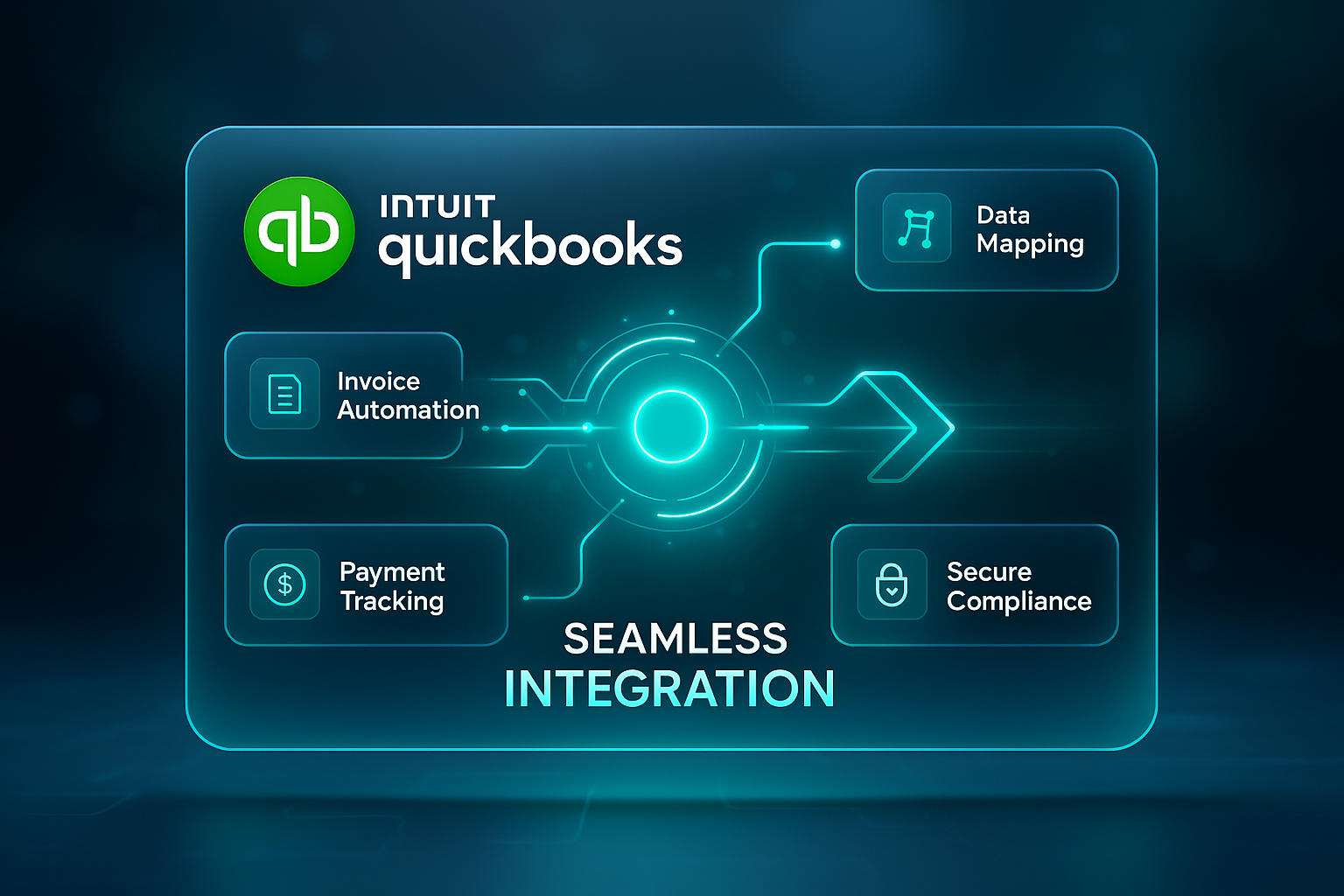
ActionEDI's QuickBooks Integration creates a seamless connection between your EDI system and QuickBooks, eliminating the manual data entry and reconciliation that typically occurs between these two crucial business systems.
Our integration solution supports all versions of QuickBooks, including Online, Desktop, and Point of Sale, and handles a comprehensive range of EDI transaction types. Using our intelligent mapping technology, we ensure that EDI data flows correctly into the appropriate QuickBooks fields, maintaining the integrity of your financial records while dramatically reducing processing time and errors.
Our QuickBooks integration provides all the tools you need to automate data flow between your EDI system and QuickBooks
Automatically sync data in both directions between EDI and QuickBooks, keeping both systems updated in real-time.
Import EDI purchase orders directly into QuickBooks as sales orders or invoices with complete line-item details.
Automatically create and send EDI invoices based on QuickBooks transactions.
Keep inventory levels in sync between EDI and QuickBooks to ensure accurate stock availability.
Maintain consistent customer and vendor information across both systems with automated synchronization.
Automatically match incoming EDI payments with QuickBooks invoices for streamlined reconciliation.
Transform your accounting operations and realize significant efficiency gains
Save time and reduce errors by entering data only once, with automatic synchronization between systems.
Process orders faster, generate invoices immediately, and match payments automatically to improve cash flow.
Eliminate manual data entry errors and ensure consistent application of business rules across all transactions.
Gain real-time insights into order status, invoicing, and payment receipts for better financial decision-making.
Free your accounting and order processing staff from tedious data entry to focus on more strategic activities.
Handle growing transaction volumes efficiently without proportionally increasing staff or operational costs.
Our integration solution works with all major QuickBooks products and versions

Seamlessly integrate with all QuickBooks Online editions
Our integration solution supports a comprehensive range of EDI transactions
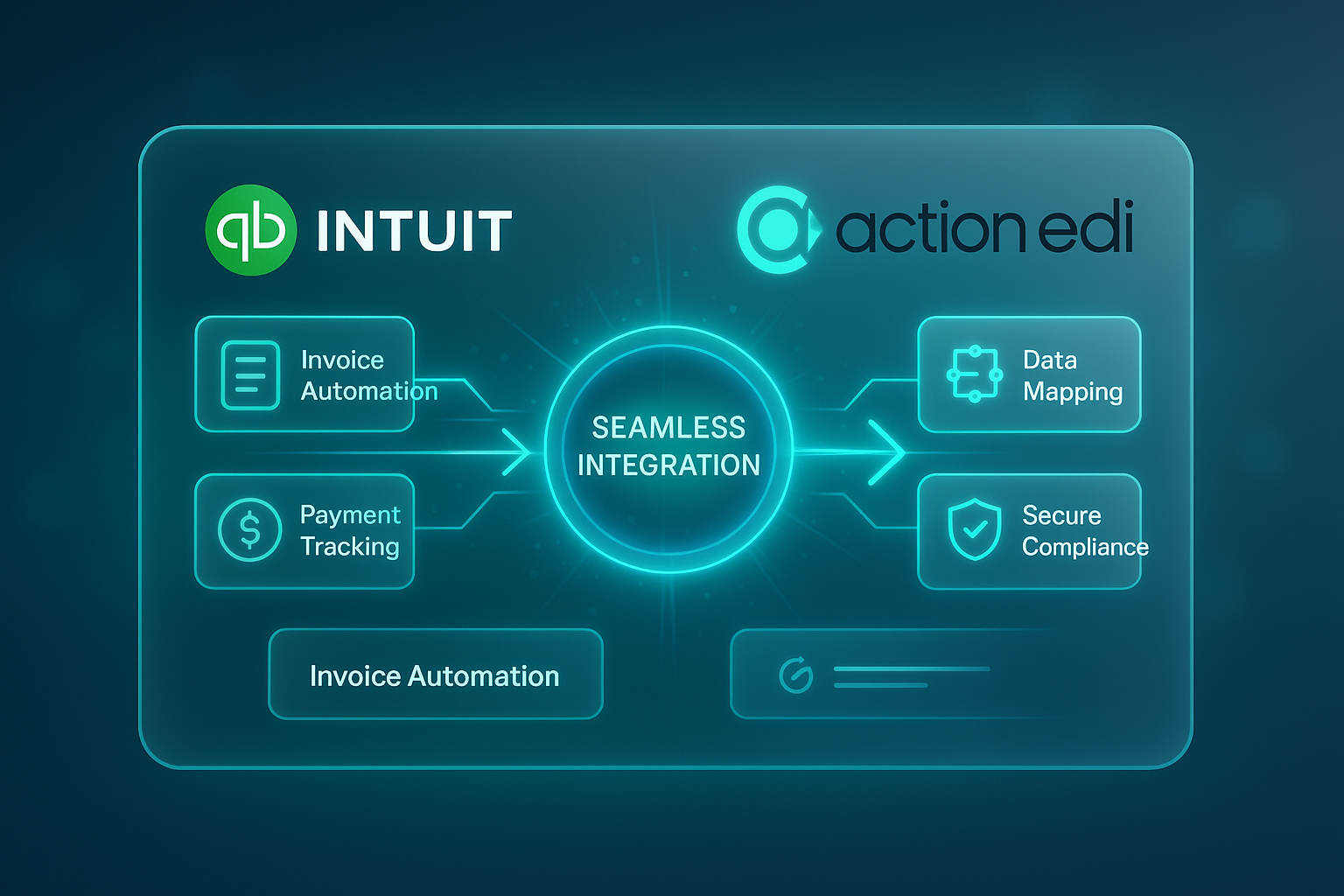
Bidirectional data flow ensures that both systems stay in sync
Our proven methodology ensures a smooth and successful integration
We evaluate your current setup, requirements, and objectives to design the optimal integration.
We set up the connection between your EDI system and QuickBooks to establish data flow.
We create detailed mappings to ensure data lands in the right fields in both systems.
We thoroughly test all transaction types to ensure accuracy and reliability.
We train your team on how to use, monitor, and troubleshoot the integration.
We provide support during the transition to production and ensure everything works smoothly.
Choose the approach that best fits your business needs and timeline
Pre-built integration that covers most common QuickBooks and EDI transactions, with standard field mappings and workflows.
Fully customized integration tailored to your specific business requirements, with custom field mappings and workflows.
Starts with the standard integration and adds custom elements to address your specific business needs.
Real results from real businesses using our QuickBooks integration
20+
Hours saved weekly
99.8%
Data accuracy
The ActionEDI QuickBooks integration has been a game-changer for our accounting team. We used to spend over 20 hours a week manually entering EDI orders into QuickBooks and reconciling invoices. Now it's all automated, which has not only saved us time but also virtually eliminated data entry errors. The implementation was smooth, and their support team has been excellent.

Director of Operations
Join hundreds of businesses that have streamlined their accounting operations with ActionEDI's QuickBooks Integration.
No sales pitch. We'll help you figure out the right next step.